The frustration of a television that refuses to power on is a universal experience. Whether you’re eagerly awaiting a new episode of your favorite show or simply want to unwind with a movie, a non-functional TV can put a damper on your plans. However, before you resign yourself to a costly repair or a premature replacement, there are several troubleshooting steps you can take to potentially resolve the issue. This article aims to provide a comprehensive guide to help you diagnose and, hopefully, fix your unresponsive television.
Understanding the Problem
When a TV won’t turn on, the problem could lie in several areas:
- Power Supply: The most common culprit is a faulty power source. This could be due to a tripped circuit breaker, a blown fuse in the TV, a damaged power cord, or a problem with the outlet itself.
- Remote Control: Sometimes, the issue lies not with the TV but with the remote control. Dead batteries, a malfunctioning remote, or signal interference can prevent the TV from receiving the power-on command.
- Internal Components: In some cases, the problem lies within the TV itself. This could involve a faulty power board, a malfunctioning mainboard, or other internal components.
- External Devices: Connected devices like gaming consoles, cable boxes, or streaming devices can sometimes interfere with the TV’s operation.
Troubleshooting Steps
Here’s a step-by-step guide to help you troubleshoot a TV that won’t turn on:
1. Check the Power Source
- Outlet: Ensure the TV is plugged into a working outlet. Try plugging another device into the same outlet to see if it works.
- Power Cord: Inspect the power cord for any visible damage, such as frayed wires or a bent plug. If you notice any damage, replace the cord.
- Circuit Breaker/Fuse: Check your home’s circuit breaker panel or fuse box to see if the breaker controlling the TV’s outlet has tripped or if a fuse has blown. Reset the breaker or replace the fuse if necessary.
- Surge Protector: If you’re using a surge protector, try plugging the TV directly into the wall outlet to rule out any issues with the surge protector.
2. Test the Remote Control
- Batteries: Replace the batteries in the remote control with fresh ones.
- Infrared Signal: Point the remote control at the TV’s IR receiver (usually a small red light) and press the power button. If the IR signal is working, you should see a faint red light from the remote. If not, the remote may be faulty and needs replacement.
- Manual Power Button: Most TVs have a manual power button located on the TV itself. Try pressing this button to see if the TV turns on.
3. Disconnect External Devices
- Unplug Everything: Unplug all devices connected to the TV, including HDMI cables, gaming consoles, cable boxes, and streaming devices.
- Power Cycle: Unplug the TV’s power cord from the outlet, wait for 30 seconds, and then plug it back in. Try turning on the TV again.
- Reconnect Devices Individually: If the TV turns on after disconnecting all devices, start reconnecting them one by one to identify if a particular device is causing the issue.
4. Inspect for Internal Issues
- Capacitor Issue: If you hear a clicking sound from the TV when you try to turn it on, it might indicate a problem with a capacitor on the power board. This requires professional repair.
- LED Indicator Lights: Observe any LED indicator lights on the TV. A blinking light might indicate a specific error code that can help diagnose the problem. Consult the TV’s user manual or manufacturer’s website for information on interpreting these codes.
- Back Panel Access: If you’re comfortable doing so, carefully remove the back panel of the TV to inspect for any visible signs of damage, such as burnt components or loose wires. Caution: Working with electronics can be dangerous. If you’re unsure, seek professional assistance.
Related: The Frustrating Freeze: Understanding and Preventing PC Lockups
5. Seek Professional Help
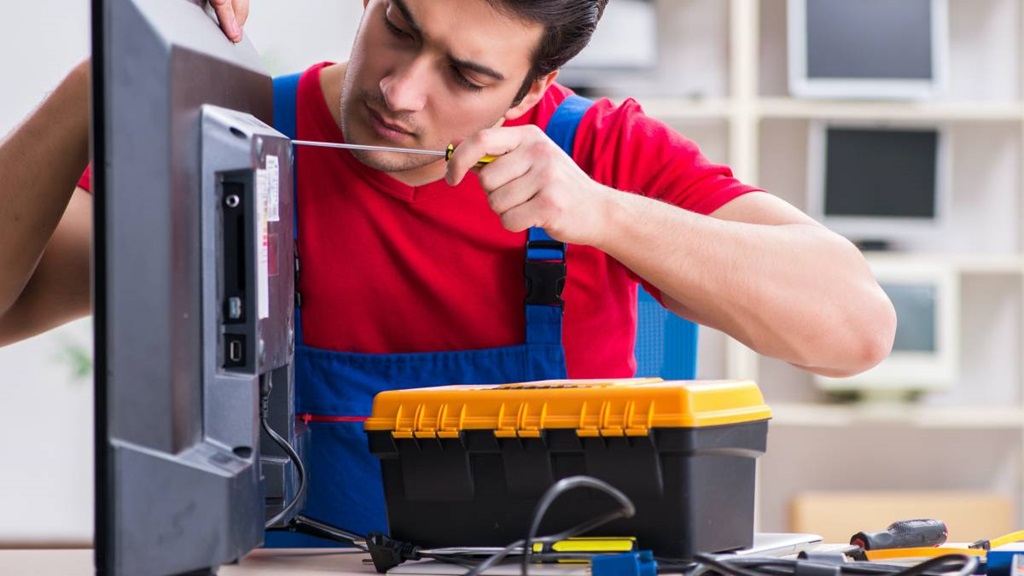
If none of the above steps resolve the issue, it’s time to call in a professional TV repair technician. They have the expertise and tools to diagnose and fix more complex internal problems. Additionally, to ensure your TV remains in good condition for as long as possible, consider exploring tips on how to make your TV last longer, which can be found at https://sevenfrigo.net/tv-and-music-system/tips-to-extend-the-lifespan-of-your-tv/.
Related: Unlock the World of the Internet on Your Television
Preventive Measures
Here are some tips to help prevent future power-on issues with your TV:
- Surge Protection: Always use a surge protector to safeguard your TV from power surges and fluctuations.
- Proper Ventilation: Ensure adequate ventilation around your TV to prevent overheating.
- Avoid Frequent Power Cycling: While occasional power cycling can be helpful, avoid turning your TV on and off too frequently, as this can stress the internal components.
- Regular Cleaning: Keep your TV clean and free of dust, which can accumulate and cause overheating or electrical issues.
Conclusion
A TV that refuses to turn on can be a frustrating experience, but with a systematic approach to troubleshooting, you can often identify and resolve the issue. By following the steps outlined in this guide, you can potentially save yourself the cost of a repair or a new television. Remember, safety first. If you’re unsure about any of the troubleshooting steps or suspect a serious internal problem, don’t hesitate to seek professional assistance.