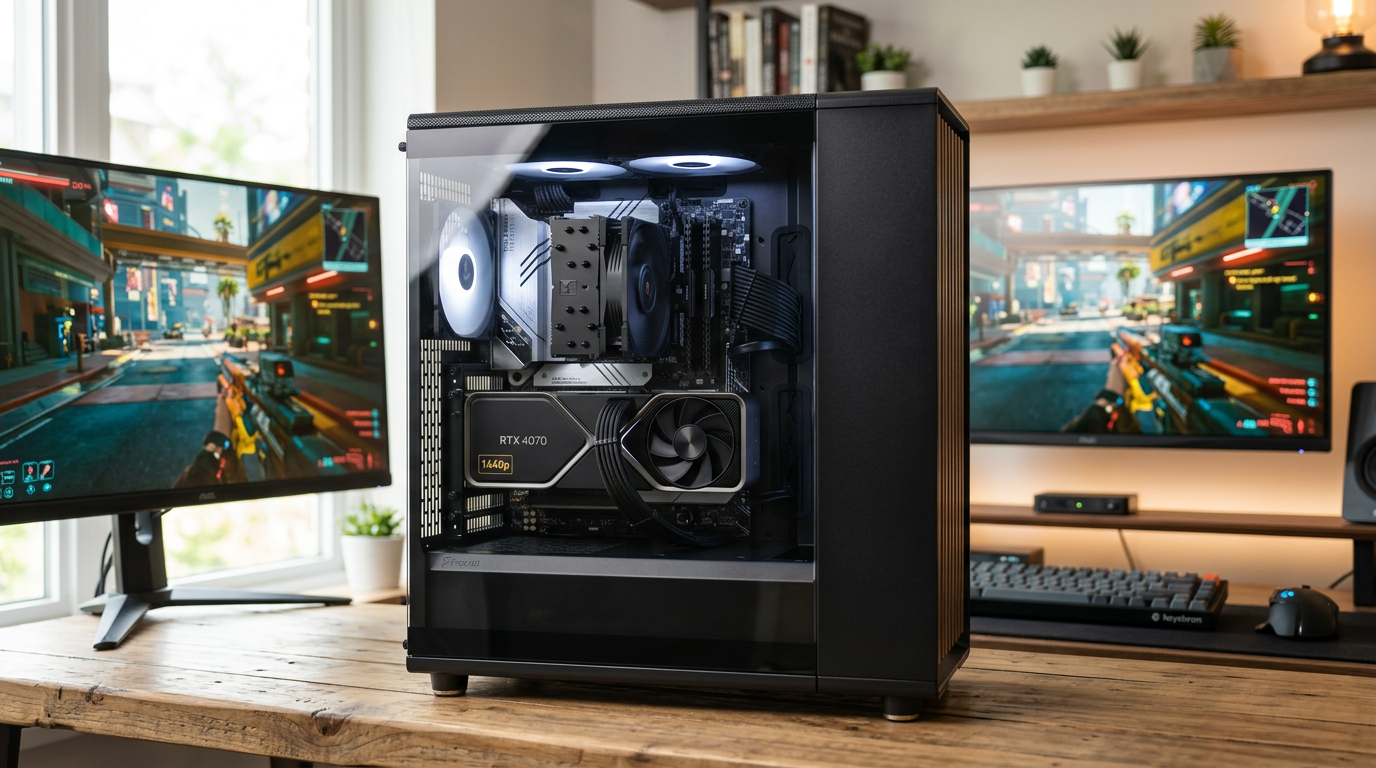
A budget 1440p gaming pc build guide 2026 comes down to one uncomfortable question: can you really hit smooth 1440p without spending flagship money? Yes, and the gap between a smart build and an overspent one is usually a few hundred dollars.
Quick answer: Target a six-core CPU, 32GB of DDR5, and a current mid-range graphics card with 12GB or more of VRAM. Spend the largest share of your budget on the GPU, pair it with a solid 650–750W power supply, and skip anything that only adds RGB or looks. Expect CPU and GPU prices to shift through 2026, so confirm costs on the day you buy.
This guide walks through part selection, budget splits, and the mistakes that turn a $1,000 build into a bottlenecked machine. You will finish with a clear shopping plan you can price out today.
What is budget 1440p gaming pc build guide 2026?
A build guide for 1440p on a budget focuses on one goal: 60 frames per second or more at 2560×1440 in modern titles. That resolution sits between 1080p and 4K. It rewards a strong GPU while staying kinder to your wallet than 4K.
The 2026 context matters for several reasons. DDR5 is now the default memory standard, so older DDR4 platforms make less sense for new builds. Graphics cards in the mid-range have grown more capable at 1440p, and features like upscaling and frame generation help stretched budgets. SSD prices have also settled, so a 1TB NVMe drive is a normal expectation rather than a luxury.
Budget is relative. For most readers, a sensible 1440p build lands somewhere between $900 and $1,300 in parts, depending on how aggressive you are about deals and reused components. That range buys a machine that handles high settings in most current games.
A practical parts list for this tier looks like this:
- CPU: a modern six-core chip with good single-thread speed
- GPU: the largest single purchase, ideally 12GB VRAM or more
- Memory: 32GB DDR5 in a two-stick kit
- Storage: 1TB NVMe SSD
- Power supply: 650–750W from a reputable brand with an 80 Plus rating
- Case and cooling: airflow-first, with a stock or budget tower cooler
The guide does not chase maximum frame rates. It chases the best experience per dollar at 1440p, which often means accepting high settings instead of ultra. A card that runs high at 80 fps serves you better than one that stutters at ultra.
At 1080p, the CPU often limits performance. At 1440p, the GPU carries most of the load, so shifting budget from the processor toward the graphics card usually pays off.
The last piece is timing. Part prices move with supply, promotions, and new releases. A build list is a starting point, not a fixed quote, so check prices before you commit. Lock in the core parts first, then shop sales for the rest.
Why budget 1440p gaming pc build guide 2026 matters
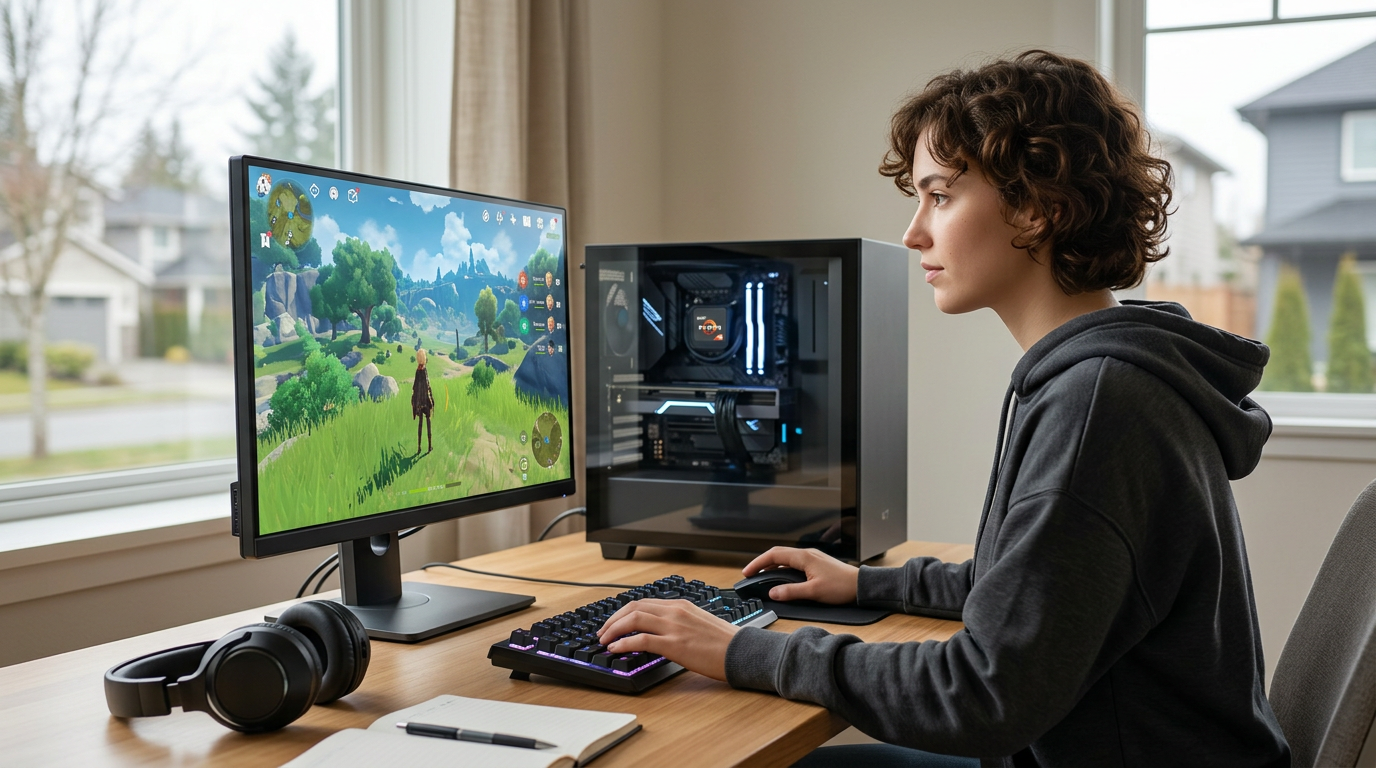
Getting this right protects your money and your upgrade path. A 1440p monitor already costs more than a 1080p screen. If your PC cannot drive it, you paid extra for pixels you never see.
The performance difference is concrete. A mid-range card that manages around 60 fps at 1080p ultra can often hold 60 fps at 1440p on high settings because the settings slider does more work than the resolution jump. That adjustment alone keeps a budget card viable for years. Dropping one texture or shadow tier costs little visually and buys real frames.
Resolution gains are also visible in daily use. Text and interfaces look sharper, and open-world games show more detail in the distance. Once you play at 1440p, going back to 1080p feels like a step down.
Three practical reasons make this guide worth following:
- Spending discipline. Knowing where money matters stops you from overspending on parts that add little at 1440p.
- Bottleneck avoidance. A weak power supply or slow memory can waste a good GPU, and that waste is money lost.
- Upgrade runway. A well-chosen platform lets you swap in a newer GPU later without rebuilding the whole system.
Consider the trade-off honestly. A budget 1440p machine will not max out every new release at 120 fps. It will run most games at high settings around 60–90 fps, and heavier titles may need upscaling or slightly lower settings. That is a fair deal for the price, as long as you know it going in.
Buying decisions also compound. Choosing an AM5 board now keeps a future CPU upgrade cheap. Picking a 750W power supply leaves headroom for a bigger card later. Each small choice either widens or narrows your options.
There is a timing angle too. Prices on graphics cards and memory fluctuate with supply. A build plan lets you buy the stable parts first, then watch the volatile ones. That patience often saves more than chasing the cheapest listing on day one.
A budget 1440p build works because every part supports the resolution target. Spending without a plan is what breaks the math.
Best practices
Start with the monitor you own or plan to buy. Check its refresh rate and resolution, then build toward that target. A 1440p 144Hz screen changes the GPU conversation compared with a 60Hz panel.
Allocate roughly half the build cost to the GPU. On a $1,000 build, that means about $500 for graphics and the rest split across the CPU, board, memory, storage, power, and case. This split keeps the strongest part where 1440p needs it most.
Comparison: DDR5 32GB vs 64GB for gaming
Memory capacity is one place where more does not equal better for most players. The table below compares the two common capacities for a gaming-focused build.
| Factor | 32GB DDR5 | 64GB DDR5 |
|---|---|---|
| Gaming benefit | Covers nearly all current titles | Minimal gain in games |
| Cost | Lower | Noticeably higher |
| Best for | Gaming plus light multitasking | Heavy editing or virtual machines |
For a budget 1440p build, 32GB in two sticks is the right call. It leaves two slots open and runs in dual-channel mode, which matters more than raw capacity for frame stability.
A few more practices keep the build balanced:
- Pick a power supply with headroom. Aim for 650–750W and a known-good brand. Cheap units risk stability and can damage parts.
- Prioritize airflow over looks. Two or three case fans beat a glass panel with no ventilation.
- Buy a 1TB NVMe SSD. Modern games are large, and a full drive hurts performance and patience.
- Check board and CPU compatibility. Confirm the socket and BIOS support before ordering.
- Plan cable routing before assembly. It saves frustration and improves airflow.
Graphics cards fluctuate most in price. Choose your target card early, then buy it when a promotion or price drop appears, and lock in the rest of the build around it.
Verify part dimensions before checkout. Long graphics cards may not fit short cases, and tall coolers can clash with side panels. A few minutes with a spec sheet prevents a return.
Update your BIOS and drivers after the first boot. Newer boards sometimes ship with older firmware. Also enable the memory profile in BIOS, usually called EXPO or XMP, so your RAM runs at its rated speed.
Common mistakes to avoid
The costliest error is overspending on the CPU. A high-end processor with a mid-range GPU wastes money at 1440p, where graphics matter more. Put the savings into the card instead.
The second mistake is a cheap power supply. A low-quality unit can cause random shutdowns under load and may fail early. Buy from a brand with a clear warranty, and match wattage to your parts with a margin.
Other frequent slip-ups:
- Ignoring VRAM. Cards with 8GB struggle in newer titles at 1440p with high textures. Aim for 12GB or more.
- Buying one stick of RAM. Single-channel memory limits performance. Always buy a matched pair.
- Skipping the case fans. A closed, fanless box throttles under load. Airflow is not optional.
- Forgetting the monitor cost. Budget for the screen separately, or your build total will surprise you.
- Chasing ultra settings. High settings often look nearly identical and run far faster.
A subtle error is buying a board with no upgrade path. A board with limited CPU support locks you in. Check the socket’s roadmap before you commit.
An aging unit may have degraded capacitors. If its age or brand is uncertain, replace it. The risk is not worth the savings.
Another trap is assembling without a plan. Lay out the parts, read the manual, and install the CPU, cooler, and memory before the board goes in the case. This order saves time and reduces the chance of bent pins.
Finally, do not skip the first-boot checks. Watch temperatures, confirm the drive appears in BIOS, and run a short stress test. Catching a loose cable or bad cooler mount early beats troubleshooting a finished system.
FAQ
How much should I spend on a budget 1440p gaming PC in 2026?
Most builds land between $900 and $1,300 in parts, excluding the monitor. You can go lower by reusing a case, storage, or power supply. Prices shift through the year, so price out each part before buying.
Can a budget build hit 1440p at 60 fps?
Yes, in most current titles on high settings. Heavier games may need one setting lowered or upscaling enabled. Expect smooth play rather than maximum settings at very high frame rates.
Is 32GB of RAM worth it over 16GB?
For a new build, yes. Some modern games already use more than 16GB with background apps open. A 32GB kit costs little extra and protects you for years.
Should I buy a used graphics card to save money?
It can work if you verify condition and warranty status. Ask for usage history and test it on arrival. New cards offer simpler returns and full coverage, which many buyers value.
Does the CPU matter less at 1440p?
The GPU does most of the work at this resolution. A solid six-core chip is enough for gaming. Spend the difference on graphics instead of a high-core processor.
Conclusion
The winning formula for a budget 1440p gaming pc build guide 2026 is simple. Put the money into the GPU, choose a modern six-core CPU, and buy 32GB of DDR5 in a pair. A dependable 650–750W power supply and a well-ventilated case protect that investment.
Avoid the classic traps: cheap power, 8GB of VRAM, and overspending on the processor. Keep the savings for a better monitor or a future upgrade. With an AM5 board and a little wattage headroom, your next upgrade becomes a single part swap.
Your next step is to write your parts list and price it at two or three retailers today. Then set a short watch window for the graphics card and buy the stable parts first. A plan you can price beats a wish list every time.